Swift Basics Integration Json
https://www.letsbuildthatapp.com/basic-training1. Introduction - Swift Basics
In this section, we'll first cover some of the basics of Swift starting with defining a few Custom Classes for our application. Next, we go over If Statements and For Loops to inspect the custom objects that we create. Finally, we'll take a brief look at what Optionals are and how they can be used.
|



 | 2. Listing out Books
With all our custom models now defined, we're ready to move onto listing out our books in a UITableViewController. First, we'll need to use a UINavigationController as the root of our application so we can get a nice UINavigationBar to show at the top of our views. In addition, I'll show you how to ignore the storyboard as I believe it is easier to learn iOS programming this way. Finally, we set our list items with our Book titles and cover images.
|



 | 3. Custom Cell Layout
To achieve pixel precision design in your apps, you'll need to learn how to use Layout Anchors. Not only is this straightforward to implement, it also allows for easy customization later down the road when the design changes. One important aspect of these layout constraints is that it allows you to design for various screen sizes very easily.
|



 | 4. UICollectionView Page Viewer
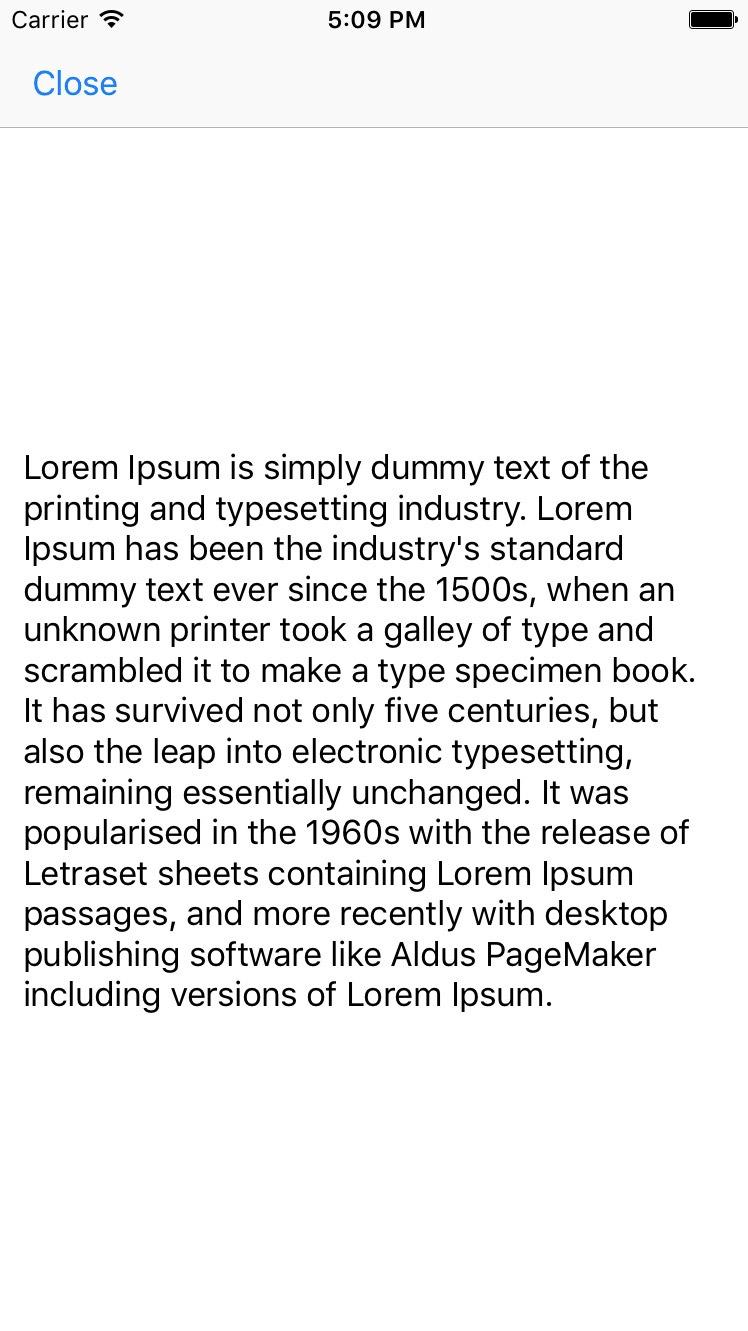
Great job in creating our list of Books with custom cells. We're now ready to handle the action of selecting a row in our UITableView to present our Page Viewer. Doing this is quite straightforward, we'll simply present a UICollectionView and present each page using this fantastic component.
|




 | 5. JSON Integration - Dynamic Book List
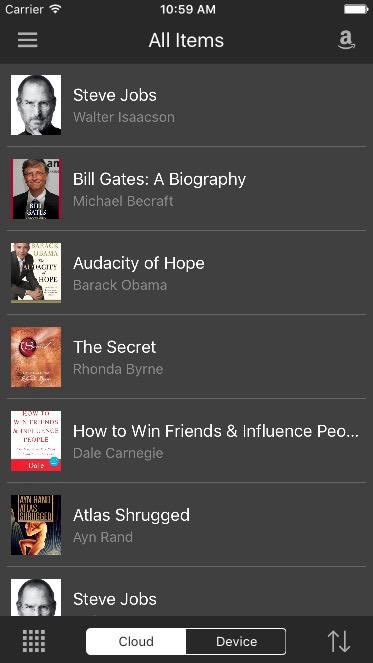
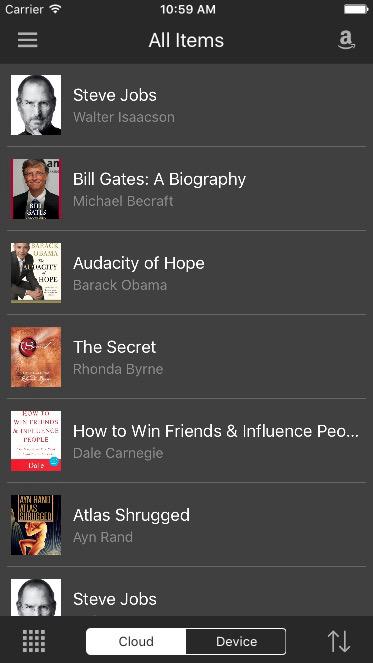
A mobile app wouldn't be complete if it didn't pull down some data from the internet. To make our Kindle application a little more interesting, we'll fetch a list of Books from an online source I've set up. Going through this exercise, I'll walk you through some of the common mistakes programmers make when starting out. Finally I'll show you some of the best approaches that allows for simplicity in your code.
|




 | 6. Custom Styling
|




Comments
Post a Comment